
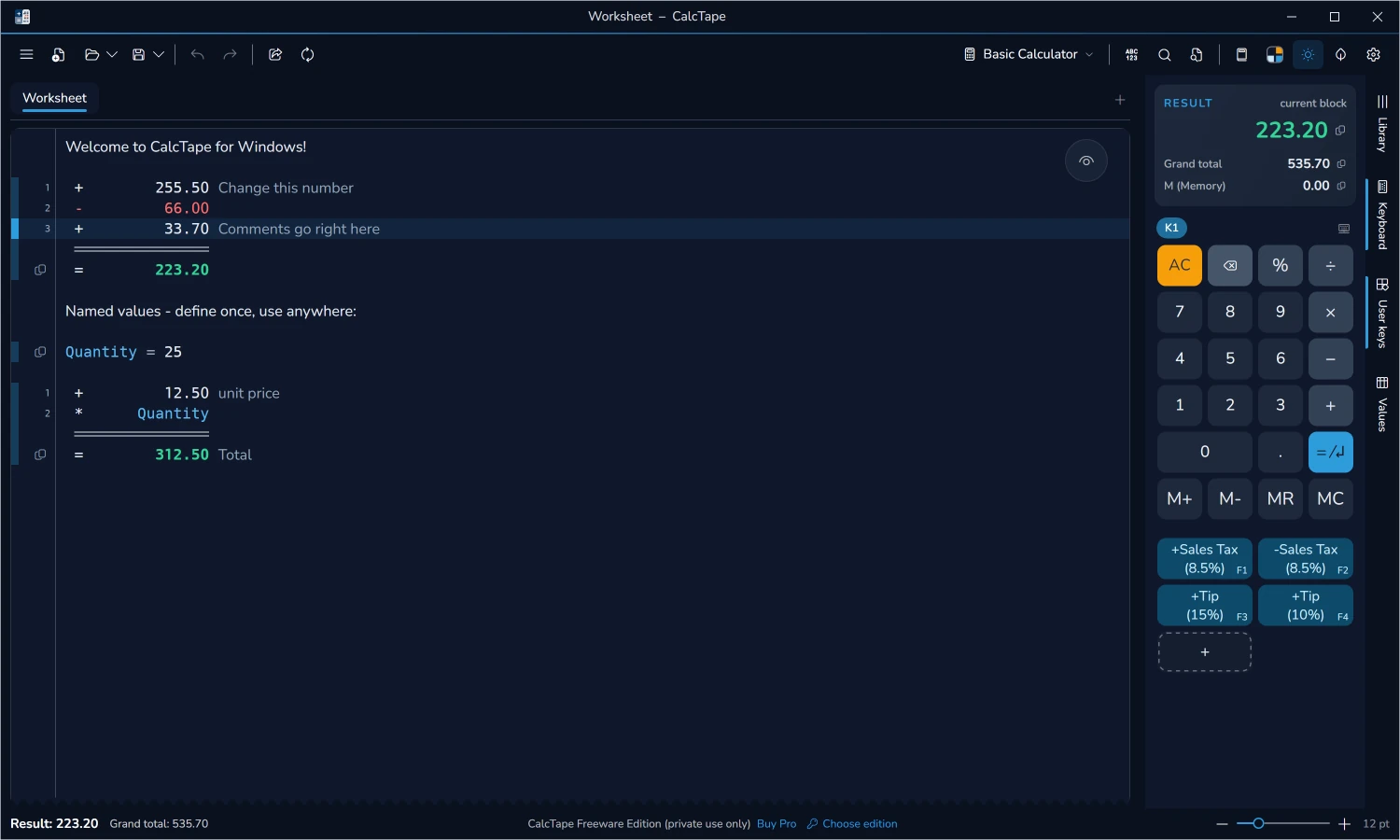
CalcTape Business
Back to topReplace every desktop calculator in your company.
CalcTape Business is the company license of CalcTape for Windows: the desktop calculator with an editable paper tape, with all Pro features, your company logo in the program and a custom setup (MSI) for company-wide deployment – the replacement for every desktop calculator and adding machine in your company or administration.
Replaces, as software, every desktop calculator and adding machine in your company.
Includes the full feature set of the Pro version.
Your own company logo is integrated into the program.
Custom company setup (MSI) for easy, central deployment.
Volume licensing from 25 licenses – price on request.
Saves costs in purchasing, maintenance and upkeep compared with traditional adding machines.
Freeware, Pro & Business compared.
The full calculating comfort is free – Pro and Business add professional and company features.
| Feature | Freewareprivate | Proprivate / commercial | Businesscompany / administration |
|---|---|---|---|
| Price | free | from 7.95 €* | on request |
| Licenses | not applicable | 1 – 25 | 25 and up |
| Basic operations, exponents, percentages | included | included | included |
| Calculation blocks, subtotals, grand total and memory | included | included | included |
| Comments within the calculation | included | included | included |
| Exact decimal arithmetic, commercially rounded | included | included | included |
| Named values, with brackets and functions | included | included | included |
| Preassigned tax keys, editable | included | included | included |
| Scratchpad, saved automatically | included | included | included |
| Printing, PDF and HTML export | included | included | included |
| Copy a calculation with its formatting | included | included | included |
| Find and replace, spell checking | included | included | included |
| Tabs, split view and detached windows | included | included | included |
| On-screen keyboard, phone and desktop layouts | included | included | included |
| Fixed-point entry (cash register mode) | included | included | included |
| Detect number format when pasting | included | included | included |
| Themes, light and dark mode | included | included | included |
| Arrange toolbar, ribbon and panels | included | included | included |
| Zen mode (F11): the paper alone | included | included | included |
| Take over data from an existing CalcTape installation | included | included | included |
| Commercial use | not included | included | included |
| Several files at once | 1 file + scratchpad | unlimited | unlimited |
| Document list: rename, duplicate, delete, export | not included | included | included |
| Save changes automatically | not included | included | included |
| Restore workspace | not included | included | included |
| Backup / Restore | not included | included | included |
| Export as Excel | not included | included | included |
| Print header and footer | stock lines | freely editable | freely editable |
| Adding machine mode | not included | included | included |
| Create your own keys | not included | unlimited | unlimited |
| Reassign keys, key sizes, keyboard layouts | not included | included | included |
| Edit theme (colors, paper, lines) | not included | included | included |
| Comments first (comment left, figure right) | not included | included | included |
| Always on top | not included | included | included |
| Licence in the package, no key to type | not included | not included | included |
| Company-wide print header and footer | not included | not included | included |
| Own company logo inside the app | not included | not included | included |
| Custom setup (MSI) for deployment | not included | not included | included |
*Prices may vary by country due to local taxes, service fees or currency conversion.
Screenshots
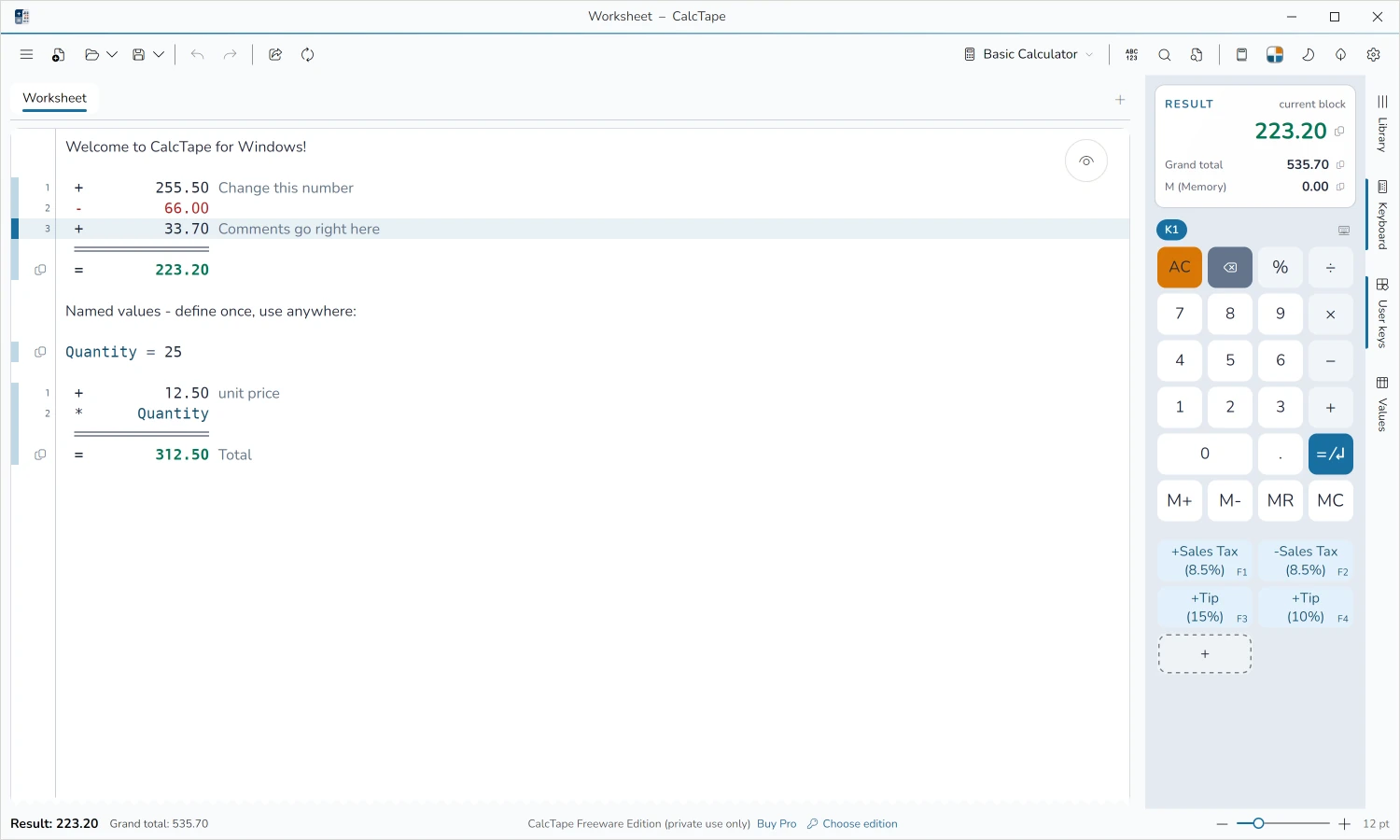
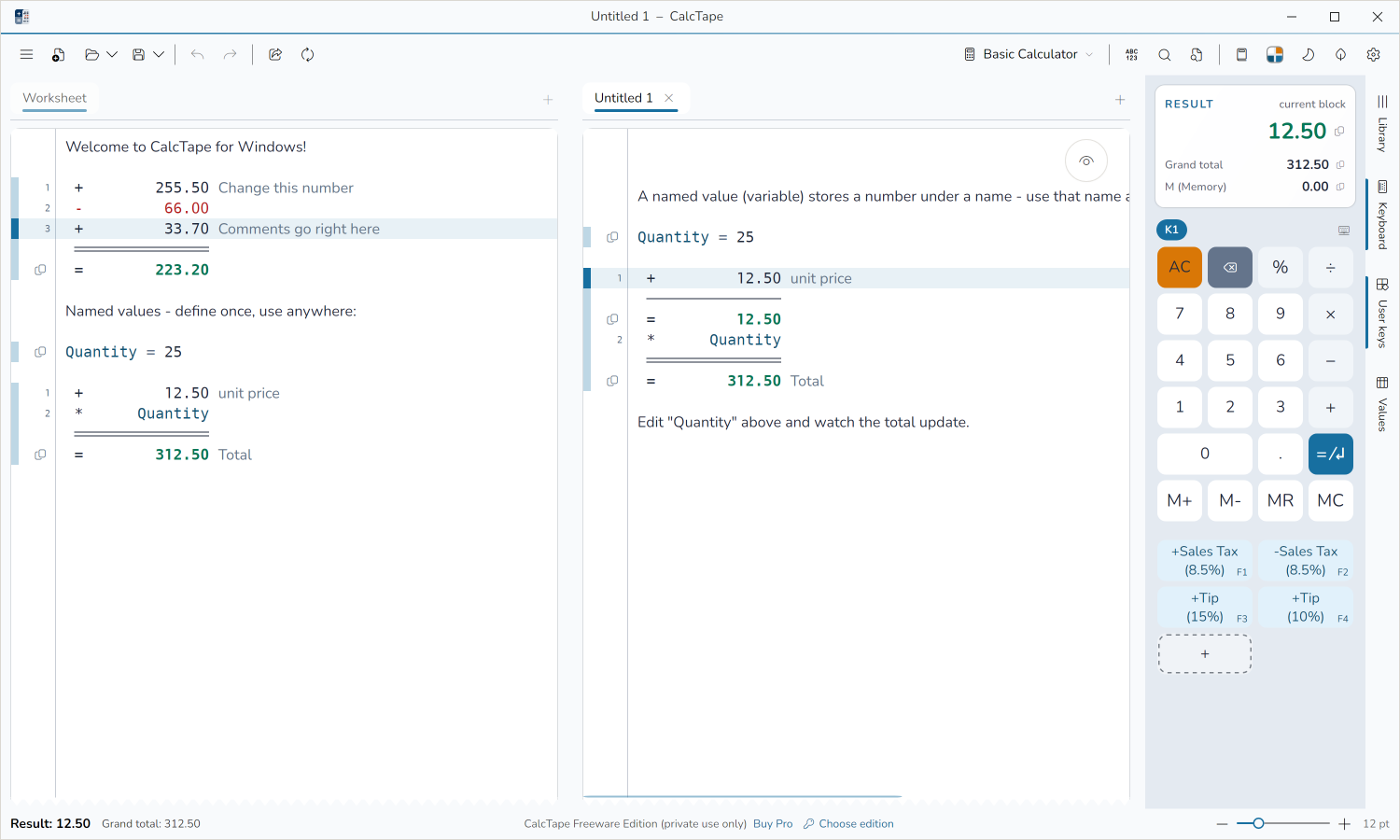
CalcTape Business.
Replace every desktop calculator in your company. Get CalcTape and retire your old desktop calculator.