

Percent means “per hundred” – and the mistakes rarely happen in the arithmetic but in the question what the rate refers to. On the tape the reference is always visible: a percentage acts on the sum of the lines above it, and the amount it produces stands right beside it.
Discount and cash discount: two percentages, two bases
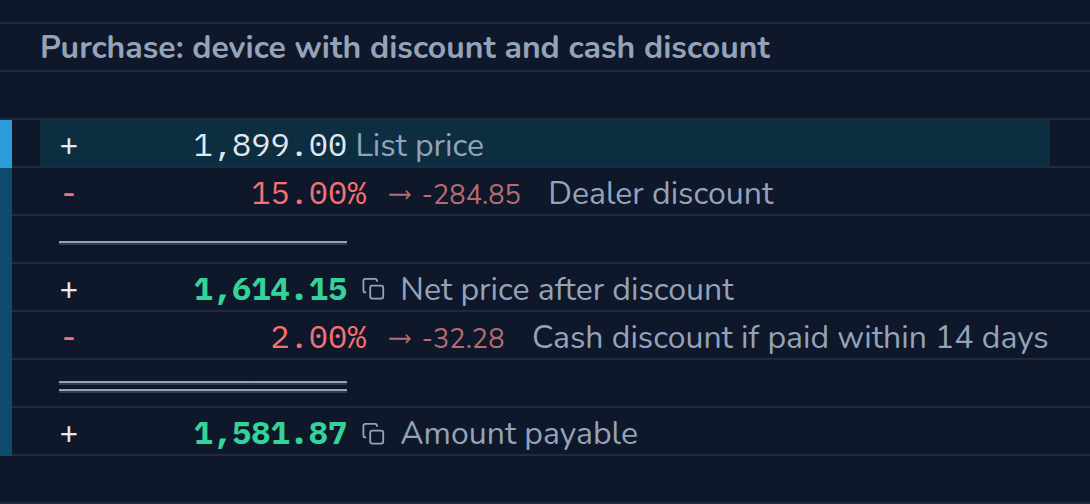
A device is listed at 1,899 €. The dealer grants a 15 % discount, and a 2 % cash discount is agreed for payment within 14 days. The cash discount refers to the already discounted price – two percentages in a row are not the same as 17 % at once. Change the rates and watch the amount payable move.
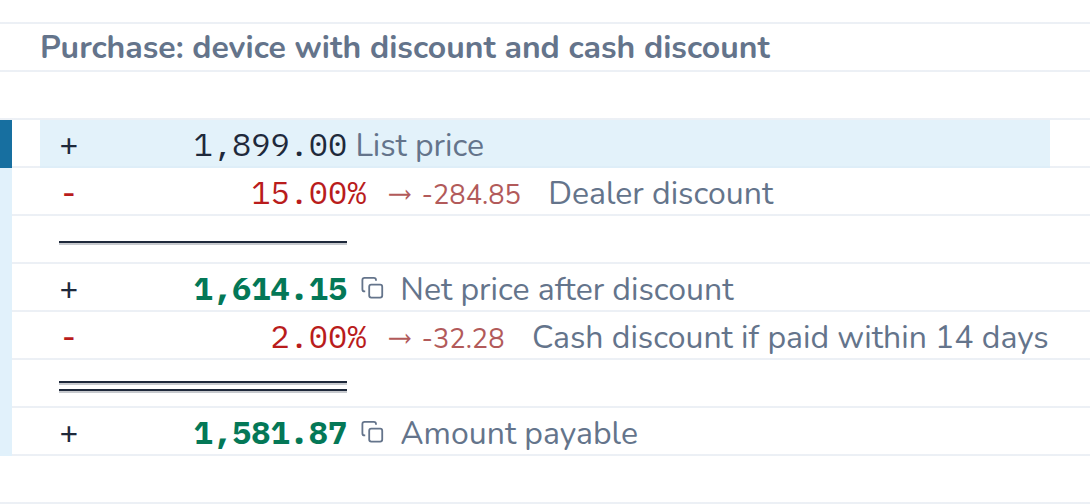
The calculation as text
| Entry | Result | Comment |
|---|---|---|
| 1,899.00 | List price | |
| - 15 % | −284.85 | Dealer discount |
| = | 1,614.15 | Net price after discount |
| - 2 % | −32.28 | Cash discount if paid within 14 days |
| = | 1,581.87 | Amount payable |
Price increase and discount: 20 % up, 20 % back
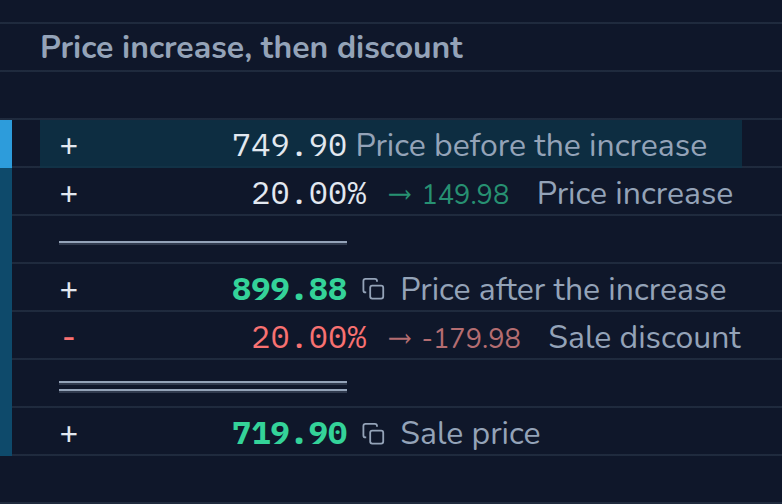
A retailer raises the price of a device by 20 % and advertises a 20 % discount a few weeks later. Afterwards the device costs less than before the increase: the increase is taken from the old price, the discount from the raised one. On the tape both amounts stand one below the other. Enter 25 % for the increase, and a 20 % discount leads exactly back to the old price.
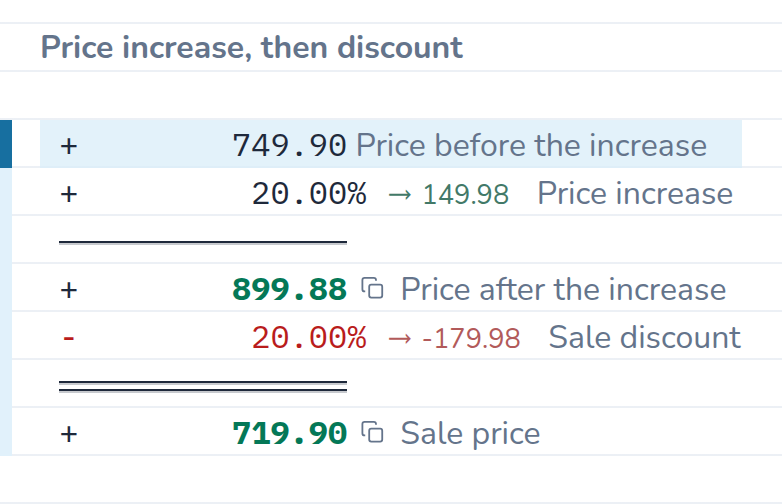
The calculation as text
| Entry | Result | Comment |
|---|---|---|
| 749.90 | Price before the increase | |
| + 20 % | 149.98 | Price increase |
| = | 899.88 | Price after the increase |
| - 20 % | −179.98 | Sale discount |
| = | 719.90 | Sale price |
The three basic tasks
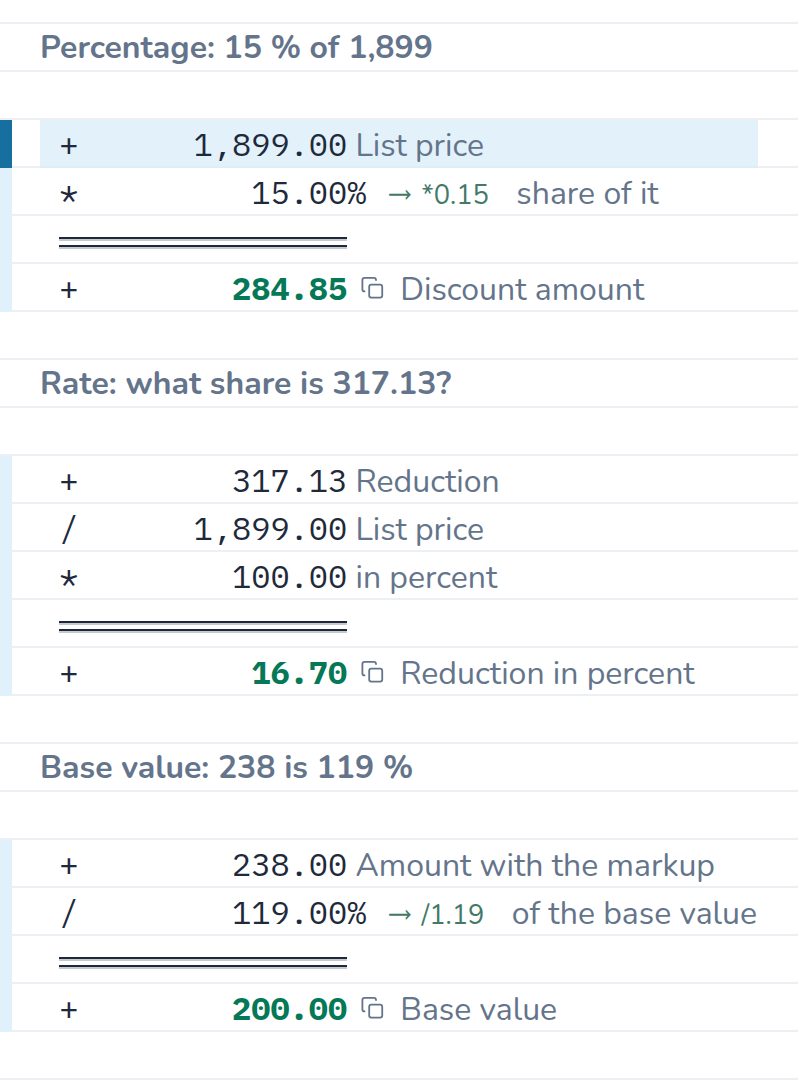
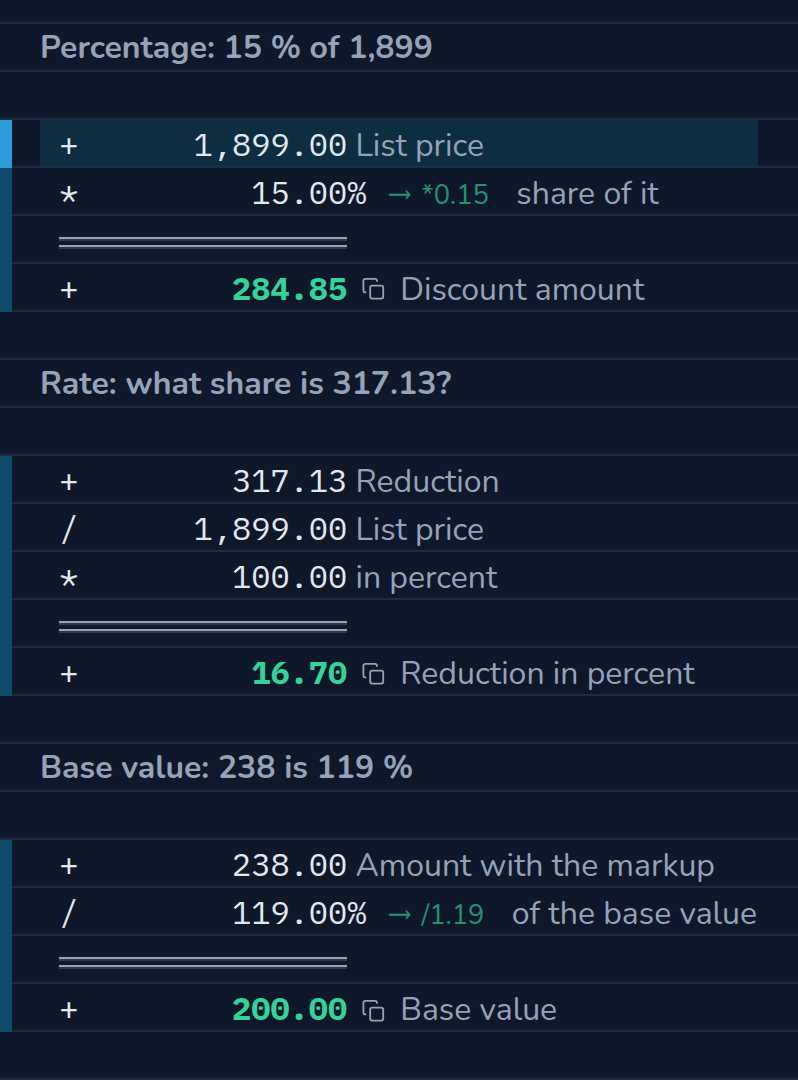
Percentage, rate, base value: on the tape each of them is a short calculation. * 15 % takes the share of a number, a division by the base value and * 100 turn an amount back into a rate, and / 119 % works from the whole back to the base value. Behind * and / CalcTape writes the factor it used.
The calculation as text
| Entry | Result | Comment |
|---|---|---|
| 1,899.00 | List price | |
| × 15 % | ×0.15 | share of it |
| = | 284.85 | Discount amount |
| Rate: what share is 317.13? | ||
| 317.13 | Reduction | |
| ÷ 1,899.00 | List price | |
| × 100.00 | in percent | |
| = | 16.70 | Reduction in percent |
| Base value: 238 is 119 % | ||
| 238.00 | Amount with the markup | |
| ÷ 119 % | ÷1.19 | of the base value |
| = | 200.00 | Base value |
What the calculation shows
- The reference is the sum above. Every percentage line works with the running total – the cash discount with the discounted price, not with the list price. That is exactly how discount, tax and cash discount build on each other.
- The amount sits beside the rate. 15 % sounds abstract, 284.85 € is an amount you can place. CalcTape writes it there automatically.
- Percent of percent becomes visible. 15 % and 2 % in a row are 16.7 % off, not 17 %; and a 20 % increase followed by a 20 % discount ends at 719.90 instead of 749.90. The tape shows the reason in the line in between: 149.98 are added, 179.98 come off.
- Change the order, let it recalculate. Swap lines or change a rate – every result below recalculates at once. If VAT came into it, it would sit between discount and cash discount – see calculating VAT.
How to do it in CalcTape
- The first line is the base value:
1899 List price. - Write percentages with operator and percent sign:
- 15%subtracts,+ 20%adds – based on the sum above, see percentage calculations in the manual. - The
=key (or Enter) keeps an interim result; the calculation continues below it. For discount rates you need often, a key of your own is worth setting up – see customizing user keys.
Related calculations
Percent on percent is also at work in the quote – tax on the subtotal, cash discount on the gross amount – and in VAT, there with the way back from gross to net.